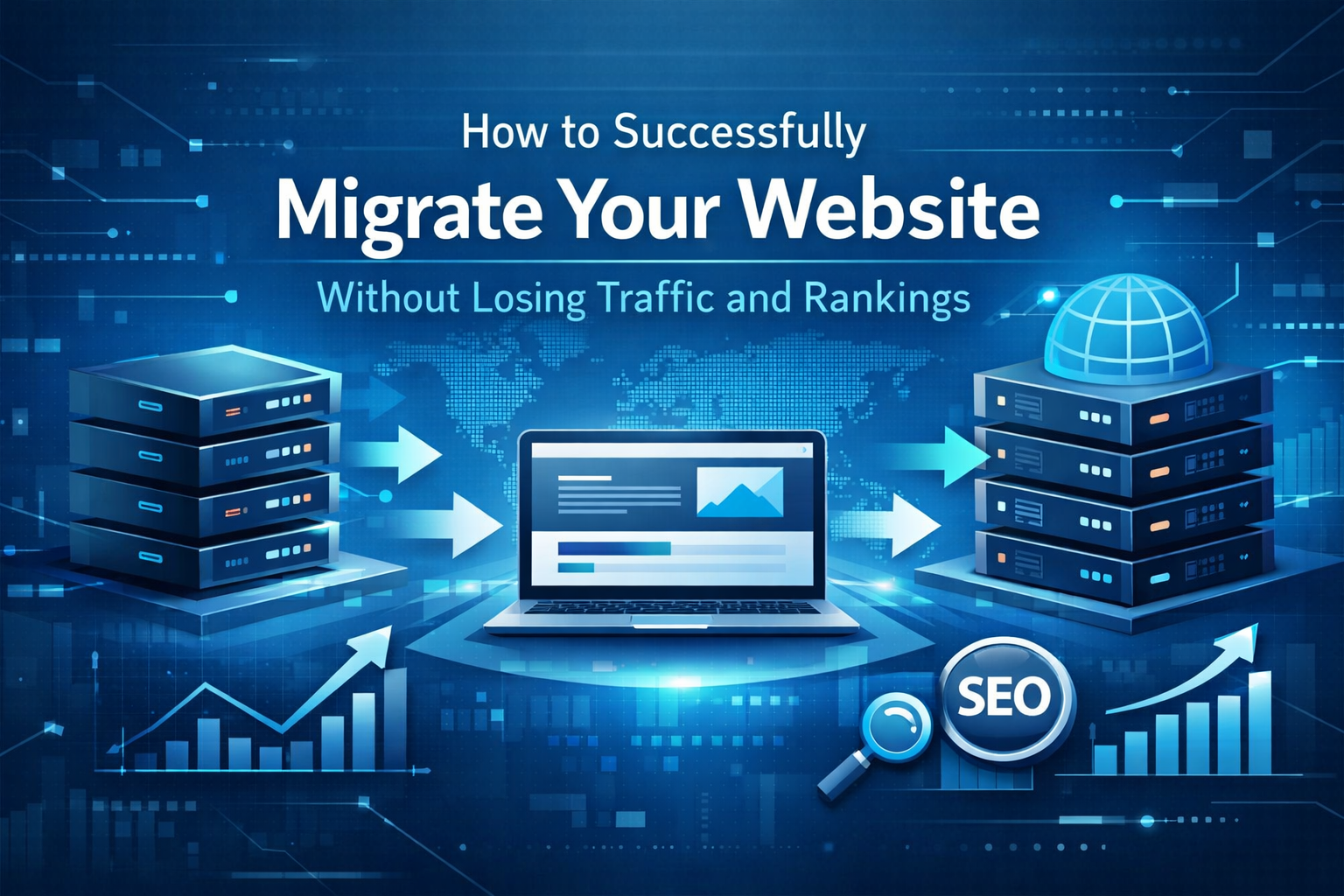
Website migration is one of the most nerve-wracking projects a business can undertake. Whether you’re switching hosting providers, changing your domain name, moving to a new content management system, or completely redesigning your site’s structure, the risks are real. One wrong move can lead to plummeting search rankings, broken links, and lost revenue. However, with proper planning and execution, you can migrate your website smoothly while preserving—or even improving—your search engine visibility.
Understanding What’s at Stake
Before diving into the migration process, it’s important to understand why this project requires careful attention. Your website has likely accumulated valuable search engine authority over time through quality content, backlinks, and user engagement signals. Search engines like Google have indexed hundreds or thousands of your pages, and your site appears in search results for specific keywords that drive traffic to your business.
When you migrate without proper precautions, you risk losing this hard-earned digital equity. Broken redirects, missing pages, changed URL structures, and technical errors can confuse search engines and frustrate users, leading to significant drops in organic traffic that may take months to recover.
Essential Pre-Migration Planning Steps
Success begins long before you touch a single line of code. Start by conducting a comprehensive audit of your current website. Document every page, noting which ones receive the most traffic and generate conversions. Use tools like Google Analytics and Google Search Console to identify your top-performing pages and the keywords they rank for.
Create a detailed spreadsheet mapping old URLs to new URLs. This becomes your redirect blueprint and ensures nothing falls through the cracks. If you’re changing your site structure, carefully plan how existing URLs will map to new ones, maintaining logical connections wherever possible.
Backup everything. Before making any changes, create complete backups of your website files, databases, and configurations. Store these backups in multiple secure locations. This safety net allows you to roll back changes if something goes wrong.
Technical Implementation Best Practices
When it’s time to execute the migration, technical precision is paramount. Working with experienced website development services in the Philippines can ensure that complex technical requirements are handled correctly, from server configurations to database migrations.
Implement 301 redirects for every URL that changes. These permanent redirects tell search engines that content has moved to a new location and transfer most of the SEO value from the old page to the new one. Avoid redirect chains where one URL redirects to another, which then redirects again—these dilute SEO value and slow page loading.
Maintain your internal linking structure as much as possible. If URLs change, update internal links throughout your site to point directly to new URLs rather than relying on redirects. This provides better user experience and helps search engines understand your site structure.
Preserving Your Search Engine Rankings
SEO considerations should guide every migration decision. Keep your URL structure as similar as possible to minimize disruption. If you must change URLs, try to maintain the same hierarchy and logical organization.
Ensure all technical SEO elements transfer correctly to your new site. This includes title tags, meta descriptions, header tags, alt text for images, and schema markup. These elements significantly influence how search engines understand and rank your content.
Don’t change too much at once. If possible, separate your migration from major content changes or design overhauls. This makes it easier to identify and fix issues if rankings drop. Professional web development expertise combined with targeted SEO strategies can help maintain your visibility throughout the transition.
Rigorous Testing Before Going Live
Never migrate directly on your live site. Set up a staging environment where you can test everything thoroughly before making changes public. Check every redirect manually or use automated tools to crawl your site and identify broken links or redirect errors.
Test site speed and mobile responsiveness on the new platform. Page speed is a ranking factor, and mobile-friendliness is essential since most users now browse on smartphones. Verify that forms, applications, and interactive elements work correctly across different browsers and devices.
Review your robots.txt file and ensure it’s not accidentally blocking search engines from crawling important sections of your new site. Check that your XML sitemap is updated and submitted to Google Search Console.
Post-Migration Monitoring and Optimization
The work doesn’t end when your new site goes live. The weeks following migration are critical for identifying and fixing issues before they cause lasting damage. Monitor your search rankings daily for your most important keywords. Some fluctuation is normal, but significant drops require immediate investigation.
Check Google Search Console frequently for crawl errors, index coverage issues, and manual penalties. Address any errors promptly. Review your analytics for unusual drops in traffic to specific pages or sections, which may indicate redirect or technical problems.
Ongoing website maintenance and management services become especially valuable during this period, providing continuous monitoring and quick responses to any issues that arise.
Conclusion
Website migration carries inherent risks, but with methodical planning, technical expertise, and careful monitoring, you can successfully transition to a new platform while protecting your search rankings and user experience. The key is never rushing the process—taking time to plan thoroughly, test exhaustively, and monitor closely will pay dividends in maintained or improved search visibility.
If you’re considering a website migration and want to ensure it’s executed flawlessly, partnering with experienced professionals who understand both the technical and SEO aspects of migration can make the difference between a successful transition and a costly mistake. Your website is a valuable business asset—treat its migration with the care and expertise it deserves.